Storyboard artist
Begin with a keyframe and ask for a restrained camera move, character gesture, or environmental motion.
The result can act as a motion reference without rebuilding the whole scene from words.
Image to video
cogvideox i2v starts from an existing image, then uses a text direction to extend that visual into motion. It is useful when the subject, composition, or first frame already matters.
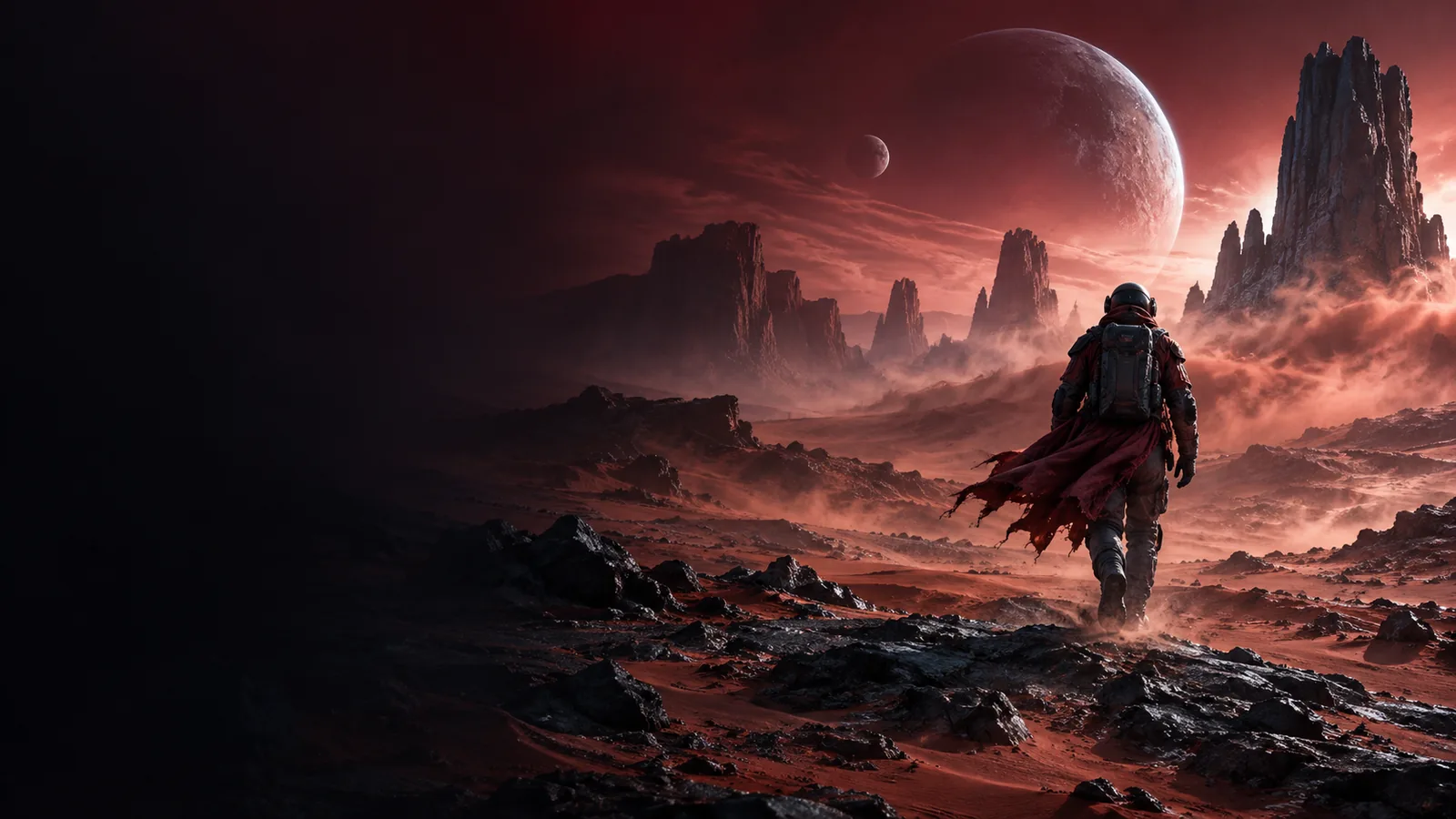
Explore the model
I2V is the image-conditioned side of CogVideoX: the source image establishes the visual starting point, while the prompt describes movement, timing, and atmosphere.
Where it helps
The image supplies visual continuity that a text-only request has to invent. That makes I2V a practical choice for controlled variations, scene tests, and motion studies.
Begin with a keyframe and ask for a restrained camera move, character gesture, or environmental motion.
The result can act as a motion reference without rebuilding the whole scene from words.
Use a campaign still to test several movement directions before committing to a finished shoot or edit.
You can compare atmosphere and pacing while keeping the original visual idea recognizable.
Feed the same image into multiple prompts to study how camera language changes the generated sequence.
The fixed starting frame makes prompt iterations easier to inspect and discuss.
Place an image loader before the CogVideoX nodes and keep conditioning, sampling, and decoding visible.
The I2V route becomes easier to troubleshoot than an opaque one-click pipeline.
Working sequence
A dependable I2V pass separates the visual reference from the motion instruction. Keep the prompt focused on change rather than repeating every detail already visible in the image.
Use an image with a readable subject, stable composition, and enough visual information for the intended movement. The stronger the reference, the less the prompt must explain.
State the action, camera movement, and pace in direct language. For example, ask for a slow push-in and drifting mist instead of several unrelated events.
Check whether the subject stays coherent, the motion matches the prompt, and the image remains recognizable. Adjust one variable at a time for more useful comparisons.
Set expectations
I2V is powerful as a visual continuation method, but it is not a guarantee of exact animation, perfect identity preservation, or production-ready footage on every pass.
Small textures, facial features, text, and hands can change while the sequence develops.
What to do instead
Use a cleaner reference and keep the requested movement modest.
A prompt can suggest a pan, orbit, or zoom, but the generated motion may drift or combine movements.
What to do instead
Describe one camera action first, then refine after reviewing the result.
I2V generates a sequence from conditioning rather than placing exact keyframes on a timeline.
What to do instead
Use it for ideation and motion studies before detailed editing.
Extended action may introduce changes in subject appearance, lighting, or background structure.
What to do instead
Break a larger idea into shorter shots and use selected outputs as new references.
Visual example
The useful change is not simply adding motion. It is preserving the visual premise of the reference while introducing a readable camera or subject action.

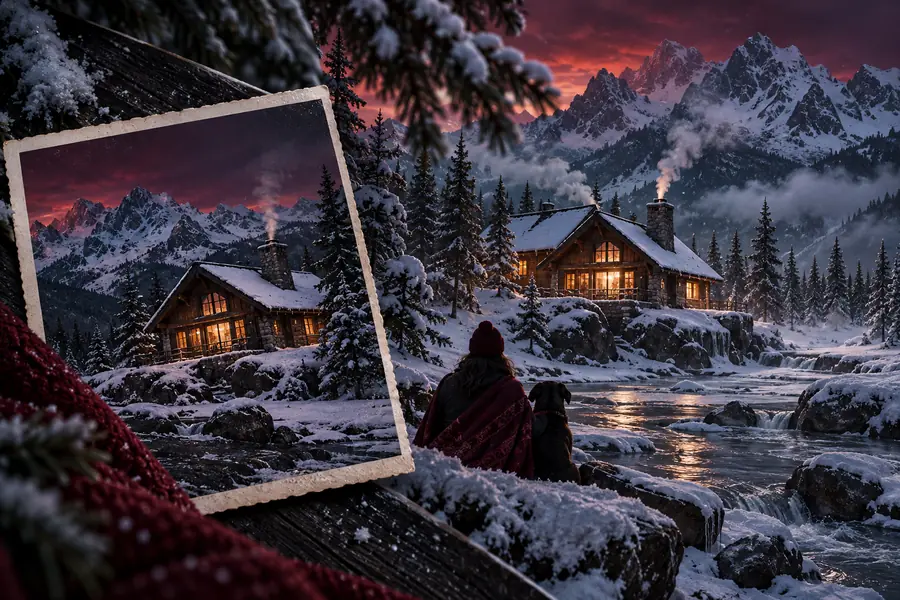
A reference anchors the first frame; the prompt guides what changes.
Reference imageGenerated motionModel scale
The CogVideoX family includes model sizes that help frame a practical choice: start with the checkpoint and workflow that match your available compute and experimentation goals.
Variant guide
These distinctions help separate the general I2V task from two common CogVideoX model paths and a quantized distribution format.
| Standard I2V concept | Model or workflow choice | |
|---|---|---|
| Starting condition | A still image plus a motion-focused text prompt | A selected CogVideoX I2V checkpoint plus the same inputs |
| Primary purpose | Extend a visual idea into a moving sequence | Balance output goals with model size and local setup |
| Model scale | Does not specify parameter count by itself | Common references include 2B and 5B variants |
| Prompt role | Describes movement, camera behavior, and atmosphere | Provides conditioning details for the chosen workflow |
| Reference role | Defines the visual starting point | Is loaded through the selected interface or pipeline |
| GGUF relevance | Not a model file format | Can provide a quantized distribution for supported workflows |
| Best first test | A simple subject with one clear movement | A short, repeatable prompt used across checkpoints |
Ready to test
Bring a clear reference image and one focused movement idea into the CogVideoX workflow. Start with a short visual test, inspect continuity, and refine the prompt before expanding the scene.
Variant FAQ
Answers to common questions about using CogVideoX for image-conditioned video generation.
It refers to the image-to-video use of CogVideoX. A still image provides the visual starting condition, while a text prompt guides the motion, camera behavior, or atmosphere.
Text-to-video begins with a written description and must establish the scene visually. I2V begins with an image, so composition, subject appearance, and much of the visual context are already present.
A clear image with a readable subject and stable composition is a strong starting point. Simple references with one obvious action usually make it easier to judge whether the generated motion follows the instruction.
It can preserve the overall visual idea, but fine details may change as the sequence develops. Treat identity and texture preservation as goals to evaluate rather than guarantees, especially when the requested movement is complex.
The 2B and 5B labels describe different model scales within the CogVideoX family. The practical choice depends on your available resources, workflow support, and whether you prefer a lighter experiment or a larger checkpoint.