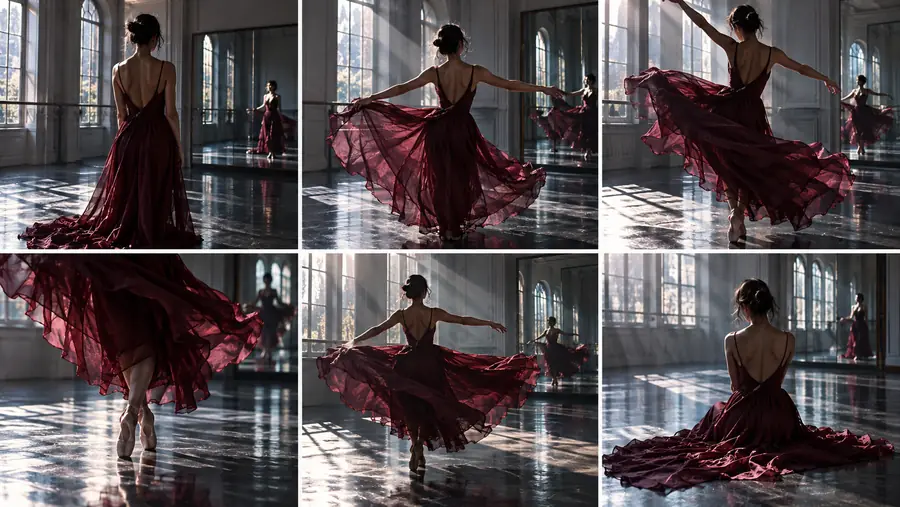
cogvideox-5b-i2v for turning still images into motion

cogvideox-5b-i2v is the larger image-to-video variant in the CogVideoX family, designed to extend a starting image into a coherent moving sequence while preserving its main visual idea.

A generated video scene created from a still image with CogVideoX 5B

How the 5B image-to-video path works

The model treats your image as the visual starting state, then uses a text description and denoising process to infer how the scene should develop over time.

  1. 1

    Prepare the visual anchor

    Choose a clear image with a readable subject, stable framing, and enough detail for the model to distinguish foreground, background, and important edges.

  2. 2

    Describe the intended motion

    Add a concise prompt that names the action, camera movement, or environmental change you want. Focus on motion rather than repeating every detail already visible in the image.

  3. 3

    Generate and review the sequence

    The model creates a video continuation from the image and prompt. Check whether the movement supports the original composition, then revise the image or motion description for another pass.

Three ways the 5B model supports moving scenes

A larger image-to-video model is most useful when the starting frame carries a strong visual concept and the requested motion can be described simply.

Concept artists

Start with a character, environment, or prop design and ask for a restrained action such as turning, walking, or looking toward the camera.

You can test how a still concept reads when it gains timing, gesture, and camera movement. For a lighter comparison, review the [cogvideox-2b-i2v](/cogvideox-2b-i2v/) route.
the smaller 2B image-to-video model

Storyboard creators

Use a single storyboard frame as the visual anchor and describe a short transition, pan, push-in, or change in subject position.

The result can help explore motion continuity before a shot is fully produced. The broader [CogVideoX I2V](/cogvideox-i2v/) guide explains the input-to-output idea in more general terms.

broader image-to-video workflow

Motion designers

Feed in a poster, illustration, or graphic composition and request subtle movement in light, fabric, particles, or camera perspective.

This approach is better suited to visual ideation than to exact compositing, because the model may reinterpret small shapes as the sequence unfolds. Compare packaging considerations in [CogVideoX 5B I2V GGUF](/cogvideox-5b-i2v-gguf/).

the GGUF model option

Technical evaluators

Use repeatable source images and short, specific prompts to inspect subject preservation, motion consistency, and how much the output departs from the input.

A controlled test set makes it easier to separate prompt effects from model behavior and to decide whether the larger model fits your workflow. See the [CogVideoX ComfyUI workflow](/cogvideox-comfyui-workflow/) overview for a node-based context.

node-based workflow overview
The model size associated with the 5B variant
5 B parameters
A still image provides the visual starting point for I2V generation
1 image input
The output is a generated moving sequence rather than a still frame
1 video sequence

Limits and edges

The model can extend a visual idea, but it does not guarantee exact animation, identity preservation, or frame-by-frame control. The comparison below represents the intended relationship between a source image and a generated continuation.

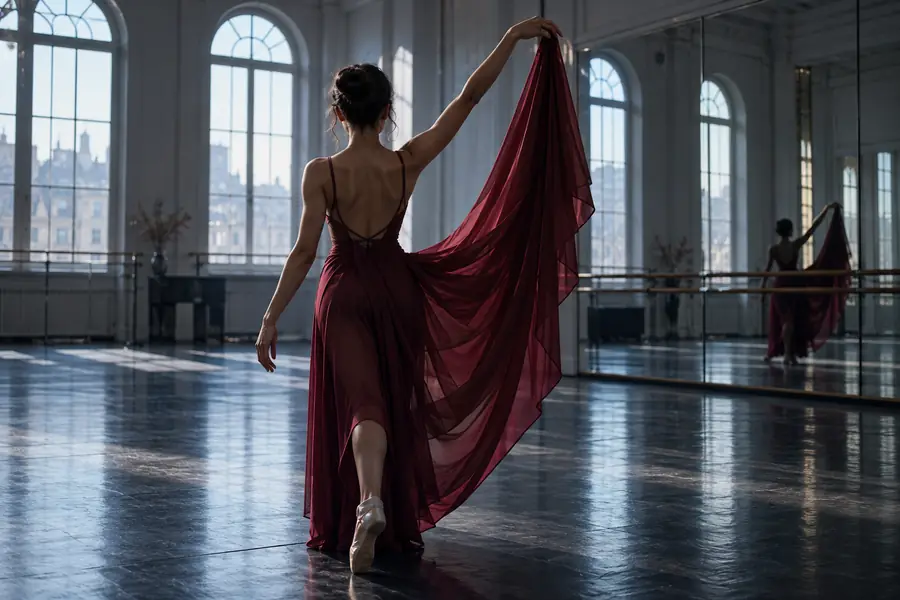
Still-image starting point for image-to-video generation
Starting image
Generated moving-scene result associated with a 5B image-to-video workflow
Generated continuation

Input composition guides the result; it does not lock every frame.

Starting imageGenerated continuation

Use a clear visual anchor and a focused motion prompt to explore what the 5B image-to-video model can do. Start with one subject and one primary action, then judge the result for continuity before adding more complexity.

Give a strong still image room to move

  • Begin with an image that has a clear subject and readable depth.
  • Describe the motion you want instead of overloading the prompt with static details.
  • Compare several controlled attempts before changing the whole concept.
Try CogVideoX

Questions about the 5B image-to-video model

It is the 5B image-to-video variant of the CogVideoX model family. It uses a still image as the visual starting point and generates a moving video sequence guided by a text description.

Use a clear image with a distinct subject, stable composition, and enough visible detail to establish the scene. Simple, focused inputs are usually easier to evaluate than crowded images with many competing subjects.

Describe the main action, camera movement, or environmental change you want to see. A short prompt such as a subject turning, fabric moving in wind, or a camera slowly pushing forward is easier to interpret than a long list of unrelated events.

No. The input image establishes the scene, but generated frames can reinterpret details, faces, edges, lighting, and object positions. Treat the result as a motion concept or generated continuation rather than a pixel-locked animation.

Compare the two variants when model size, workflow fit, or resource requirements matter to your project. The 2B option gives you a useful reference point for deciding whether the larger 5B path is justified by the visual behavior you need.

Start creating
Start creating