Prompt-first creator
You currently describe complete scenes in text and want a second model for controlled experiments.
Start with the same short prompt set, then compare subject placement, action clarity, and how much rewriting each model needs.
Model comparison
This cogvideox vs ltx guide compares the two model families by workflow, controllability, checkpoint choice, and practical setup. Use the verdict first, then inspect the dimensions that matter for your project.
CogVideoX is the stronger starting point when you want a clearly documented family with 2B and 5B checkpoints and image-to-video routes. LTX is worth considering when your existing workflow already depends on LTX tooling or its particular motion and iteration behavior.
The useful question is not which name wins in the abstract. It is which model creates fewer compromises between your input, hardware, workflow, and desired revision cycle.
Choose text-to-video when the concept is still verbal, or begin with an image when composition, subject identity, and framing already matter.
Use the smaller CogVideoX route when local constraints dominate, and evaluate the larger route when you can support a heavier workflow and need more room for detail.
Run several prompts with the same structure, compare motion and subject consistency, and keep the model that gives you a usable revision path.
Checkpoint size and workflow familiarity often matter more than a headline comparison. These concrete reference points help frame the choice without treating either family as universally best.
Move between model families in controlled stages. Preserve the prompt intent and evaluation criteria, but expect to retune wording, frame assumptions, and temporal expectations.
You currently describe complete scenes in text and want a second model for controlled experiments.
Start with the same short prompt set, then compare subject placement, action clarity, and how much rewriting each model needs.
Your work begins with a concept frame and depends on preserving its composition while adding motion.
Test an image-to-video workflow first, keeping the source images, seed choices, and prompt revisions organized for a fair comparison.
You use a node graph and want to swap models without rebuilding every surrounding step.
Separate model loading, conditioning, sampling, and export stages so the comparison isolates the checkpoint rather than the whole pipeline.
You need to decide whether a larger checkpoint is worth the additional local or hosted workload.
Compare the 2B and 5B CogVideoX paths on the same small test set before committing to a broader migration.
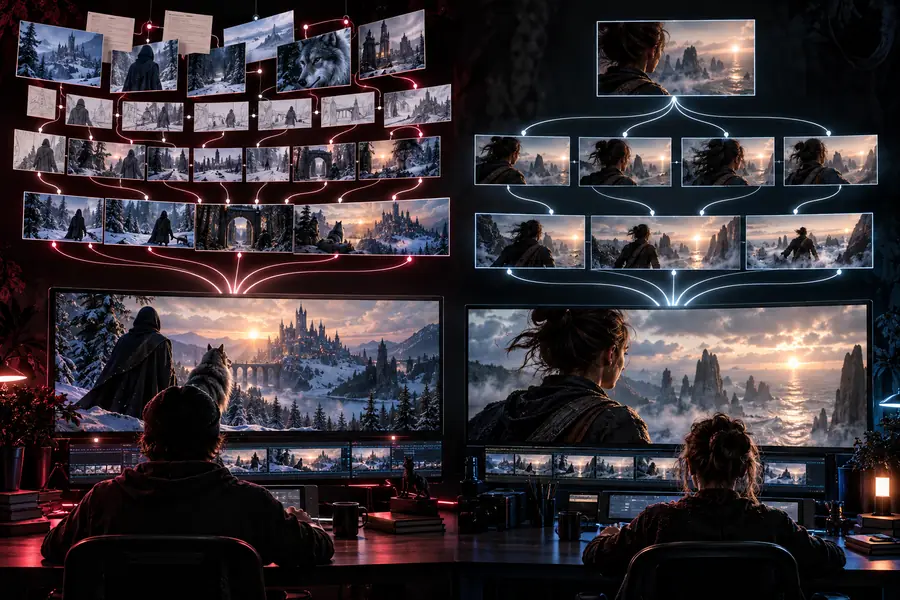

Keep the prompt goal constant; change one workflow variable at a time.
Current LTX workflowAdapted CogVideoX workflowThis table is a decision aid, not a claim that one family wins every benchmark or production setup. Exact results depend on the checkpoint, interface, sampler, hardware, prompt, and source image.
| CogVideoX | LTX | |
|---|---|---|
| Model family focus | A CogVideoX family with named 2B and 5B routes, including image-to-video variants. | An LTX model family whose best fit depends on the specific checkpoint and interface you use. |
| Best starting question | Which CogVideoX checkpoint and input mode match the project’s capacity and control needs? | Which LTX workflow and checkpoint already fit the tools and iteration habits in your stack? |
| Text-to-video fit | Useful when the scene begins as a written concept and you want to test prompt-led generation. | Useful when your existing LTX setup already produces the motion language and style you want. |
| Image-to-video fit | A clearly defined route for extending a supplied image into a moving sequence. | Available only according to the chosen LTX implementation, so verify the exact interface before migrating. |
| Checkpoint choice | The 2B and 5B names give you an explicit size comparison within the family. | Checkpoint naming and resource expectations vary by the LTX release or wrapper being used. |
| Workflow portability | Can be evaluated in a node-based workflow and adapted around separate loading and generation stages. | Portability depends on how tightly your current LTX graph or application is coupled to its model nodes. |
| Revision strategy | Compare prompt edits, source-image changes, and checkpoint size as separate variables. | Preserve your established LTX prompt and evaluation routine, then isolate only the model change. |
| Most important caveat | A larger named checkpoint does not guarantee a better clip for every prompt or machine. | A familiar workflow does not guarantee equivalent output after swapping checkpoints or interfaces. |
If you are undecided, do not migrate an entire project from LTX to CogVideoX in one step. Build a compact test set, hold the prompt intent constant, compare both text-led and image-led cases where relevant, and record which workflow needs fewer corrective passes. The best model is the one that gives your team a repeatable path from idea to acceptable clip.
These answers keep the comparison practical: identify the workflow you need, verify the exact checkpoint, and test on representative prompts before drawing a broad conclusion.
The practical difference is usually the model family, checkpoint, interface, and workflow surrounding it rather than the name alone. CogVideoX offers a clearly named 2B and 5B family with text-to-video and image-to-video routes, while an LTX comparison depends more heavily on the exact LTX release and setup.
There is no universal winner for every prompt, machine, or production goal. CogVideoX may be the clearer choice when you want its documented checkpoint options and image-to-video workflow; LTX may remain preferable when your existing tools already produce the motion and iteration behavior you need.
Switch only after a controlled test rather than judging from one sample. Reuse a small set of representative prompts, keep the evaluation criteria fixed, and compare the number of revisions needed to reach an acceptable result.
Start with the CogVideoX checkpoint that fits your available capacity and intended input mode. The 2B and 5B labels provide a useful internal comparison, but the right choice still depends on your interface, hardware, source images, and tolerance for iteration.