Concept artist
You have one environment painting and want a restrained camera push or atmospheric movement.
The 2B path can turn a finished still into a useful motion study without rebuilding the scene from scratch.
Model workflow
cogvideox-2b-i2v is an image-to-video path for animating a starting frame with a concise motion description. Use this guide to prepare inputs, run one controlled pass, and diagnose weak results.
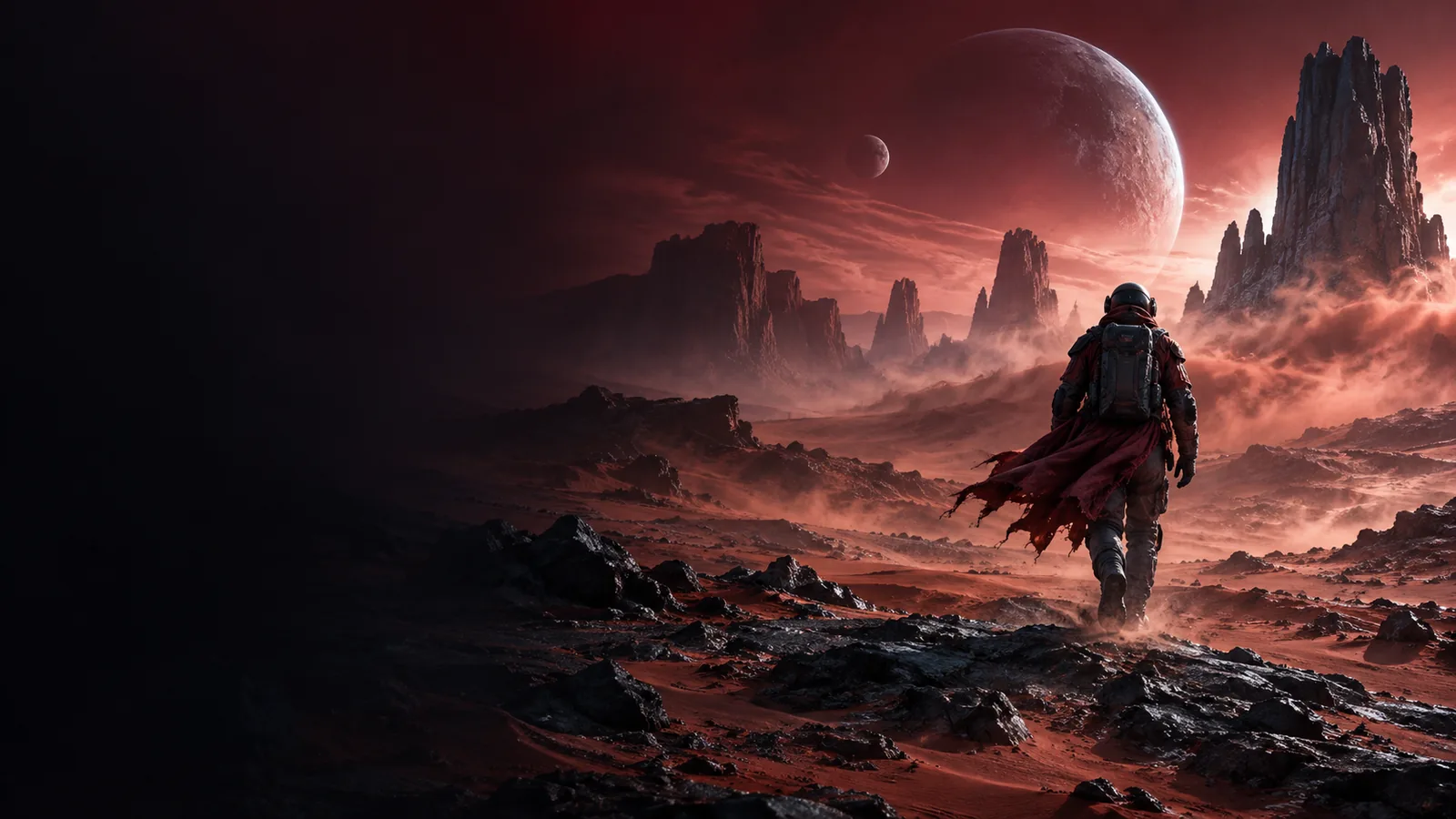
A dependable run starts with a clean reference image, a motion idea that can fit a short clip, and an environment that can load the selected checkpoint.
Choose a clear image with a visible subject, stable composition, and enough space around the area you want to move. Avoid tiny subjects, heavy compression, and text that must remain readable.
Describe camera movement, subject action, and environmental change. Keep the prompt tied to what is already visible instead of asking the model to invent several unrelated events.
Select the 2B image-to-video checkpoint, provide the frame and prompt, generate a short sample, then inspect motion before spending time on variations or post-processing.
The 2B path is easiest to judge when the run is kept small and measurable. These reference quantities help you recognize the intended scope before changing settings.
Think of the source frame as the visual anchor and the prompt as the motion instruction. A successful result preserves the subject while introducing controlled temporal change.


The best comparison keeps framing and subject constant while motion changes.
Reference frameGenerated sequenceDifferent users need different levels of control. These examples show where the 2B workflow fits and point to a more relevant sibling guide for the next decision.
You have one environment painting and want a restrained camera push or atmospheric movement.
The 2B path can turn a finished still into a useful motion study without rebuilding the scene from scratch.
You want repeatable nodes for loading an image, applying motion guidance, sampling, and exporting a clip.
A structured node graph makes it easier to compare prompts and preserve the same source frame.
You need quick visual tests for a shot idea before committing to a larger model or a full edit.
The smaller checkpoint is a practical first pass for checking composition, direction, and broad movement.
You are unsure how to phrase a prompt for motion while keeping the original image recognizable.
A simple subject-action-camera structure gives you a repeatable starting point for controlled experiments.
The 2B and 5B image-to-video paths share the same basic idea, but they are not interchangeable in every workflow. Treat this as a selection guide rather than a promise of identical output.
| cogvideox-2b-i2v | cogvideox-5b-i2v | |
|---|---|---|
| Model scale | 2B parameters | 5B parameters |
| Primary input | Still image plus motion prompt | Still image plus motion prompt |
| Best first use | Fast concept tests and lighter experiments | Higher-capacity image-to-video experiments |
| Prompt strategy | Keep action and camera direction focused | Can support more ambitious scene instructions, but still benefits from focus |
| Iteration style | Useful for testing many prompt ideas against one frame | Useful when a promising idea deserves a larger model pass |
| Setup emphasis | Prioritize compatibility, memory headroom, and clean inputs | Expect greater resource demands from the larger checkpoint |
| Output evaluation | Check subject preservation and simple motion first | Check added detail without assuming every complex action will hold |
| When to switch | Move up when the concept is sound but the result needs more capacity | Return to 2B when you need a lighter baseline for repeated trials |
Most disappointing clips are caused by a mismatch between the reference image, the motion request, and the available generation setup. Fix the simplest variable first.
Use one reference frame, one main action, and one camera idea. If the subject warps, simplify the movement and remove competing instructions. If the scene barely changes, make the verb and direction more explicit. If faces, hands, text, or thin structures break, treat them as evaluation risks rather than evidence that every prompt is wrong. When the 2B result is coherent but lacks detail, compare it with the larger sibling model; when the result is unstable from the first frame, repair the source image and workflow first.
It is an image-to-video variant in the CogVideoX model family that uses a still image as the visual starting point and a prompt to describe motion. The 2B designation refers to the model scale, not a guarantee that every scene or action will be rendered consistently.
Start with one clear reference image and a focused motion prompt. Describe what moves, how it moves, and whether the camera changes, while avoiding unrelated actions that are not supported by the source frame.
The 2B and 5B variants differ primarily in model scale and expected resource demands. The 2B version is a sensible baseline for controlled experiments, while the 5B version is the larger option to test when a concept needs more capacity.
The prompt may describe appearance rather than motion, or the requested action may be too subtle for the reference. Use a specific motion verb, add direction or camera movement, and keep the subject and scene description consistent with the input image.
Temporal consistency is difficult when the image contains small subjects, complex interactions, text, hands, or thin structures. Use a cleaner frame, simplify the action, and compare short controlled runs before adding more instructions.