Concept artists
Turn a written visual idea into a short moving reference before committing to a larger storyboard.
Test atmosphere, action, and framing early.
Prompt-led video
The cogvideox ai video generator gives you a focused way to explore short video ideas from written prompts or reference images. Describe a scene, choose a direction, and hand the prompt to the generation workspace.

Explore the model
CogVideoX connects a natural-language idea with a short moving-image concept, while related model pages help you compare inputs, variants, and setup paths.
How it works
The workflow is easiest to understand as three connected decisions: define the motion, anchor the visual context, and review the result.
Write the subject, action, setting, camera movement, and visual mood in one compact prompt. Specific motion language gives the generator a clearer creative target.
Start from text when the concept is still open, or use an image-guided path when composition, subject identity, or art direction already matters.
Review the generated clip for subject consistency, movement, framing, and prompt alignment. Refine the wording instead of changing every variable at once.
Model landmarks
These reference points explain why different CogVideoX paths can feel different in practice, from model size to the short-clip format associated with the original releases.
Choose your route
A hosted surface is convenient for testing ideas, while a local setup gives you more control over the surrounding workflow. Neither removes the need to evaluate motion and consistency frame by frame.
| Hosted CogVideoX workflow | Local CogVideoX setup | |
|---|---|---|
| Primary use | Fast prompt-led exploration in a prepared interface | Hands-on experimentation with the model and pipeline |
| Input style | Text prompts, with image-guided options where supported | Text or image inputs depend on the selected implementation |
| Setup burden | Lower; the generation environment is already arranged | Higher; model files, dependencies, and hardware need attention |
| Control surface | Focused controls designed around the available product flow | Broader control through code, nodes, or configuration |
| Iteration pattern | Useful for quickly comparing prompt variations | Useful when repeatable parameters and custom processing matter |
| Main edge | Less visibility into infrastructure and low-level settings | More responsibility for memory, compatibility, and output handling |
| Best starting point | A creator validating a concept or visual direction | A technical user building a repeatable generation workflow |
From idea to motion
A strong prompt does more than name a subject; it adds movement, camera intent, atmosphere, and a clear relationship between the subject and its setting.

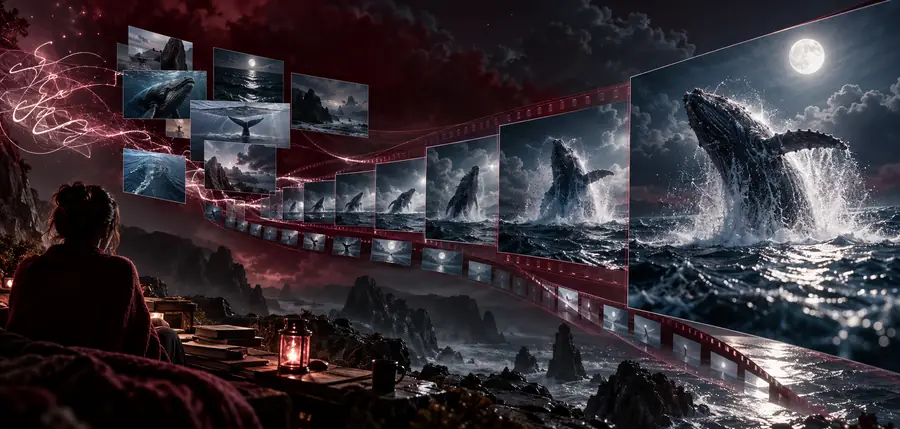
The result depends on the prompt, input, and selected workflow.
Starting conceptMotion-ready directionWho it suits
Different users approach the cogvideox ai video generator with different levels of control. These routes point to the most relevant next page for each kind of experiment.
Turn a written visual idea into a short moving reference before committing to a larger storyboard.
Test atmosphere, action, and framing early.
Begin with an existing still and explore how the subject or camera might move through the scene.
Keep the original visual direction in view while testing motion.
Build a repeatable generation path with visible inputs, transformations, and outputs.
Organize experiments in a more inspectable workflow.
Compare model variants and implementation choices before selecting a route for deeper testing.
Separate model capacity from interface convenience.
Start with a scene
Use a concrete subject, a visible action, and a simple camera direction as your starting point. The workspace can then help you test whether the concept holds together as motion rather than only as a still image.
Common questions
The cogvideox ai video generator is a prompt-led surface for exploring short videos with CogVideoX. It helps translate a written scene or supported visual input into a moving-image concept for review and iteration.
Text prompting is a central way to describe the subject, action, setting, and camera direction. Results depend on the selected CogVideoX workflow, the clarity of the prompt, and the behavior of the generated sequence.
Image-guided generation is handled through image-to-video workflows associated with CogVideoX. Starting from an image can give the scene a stronger visual anchor, while the prompt defines the intended movement and atmosphere.
Name the main subject, describe its action, and add the setting, lighting, camera movement, and overall style when those details matter. Keeping the first prompt focused makes it easier to understand which change improved or weakened the result.
CogVideoX is best treated as a short-clip exploration tool rather than a replacement for a complete production pipeline. Subject consistency, fine motion, camera control, compute requirements, and output quality can vary by model variant and implementation.